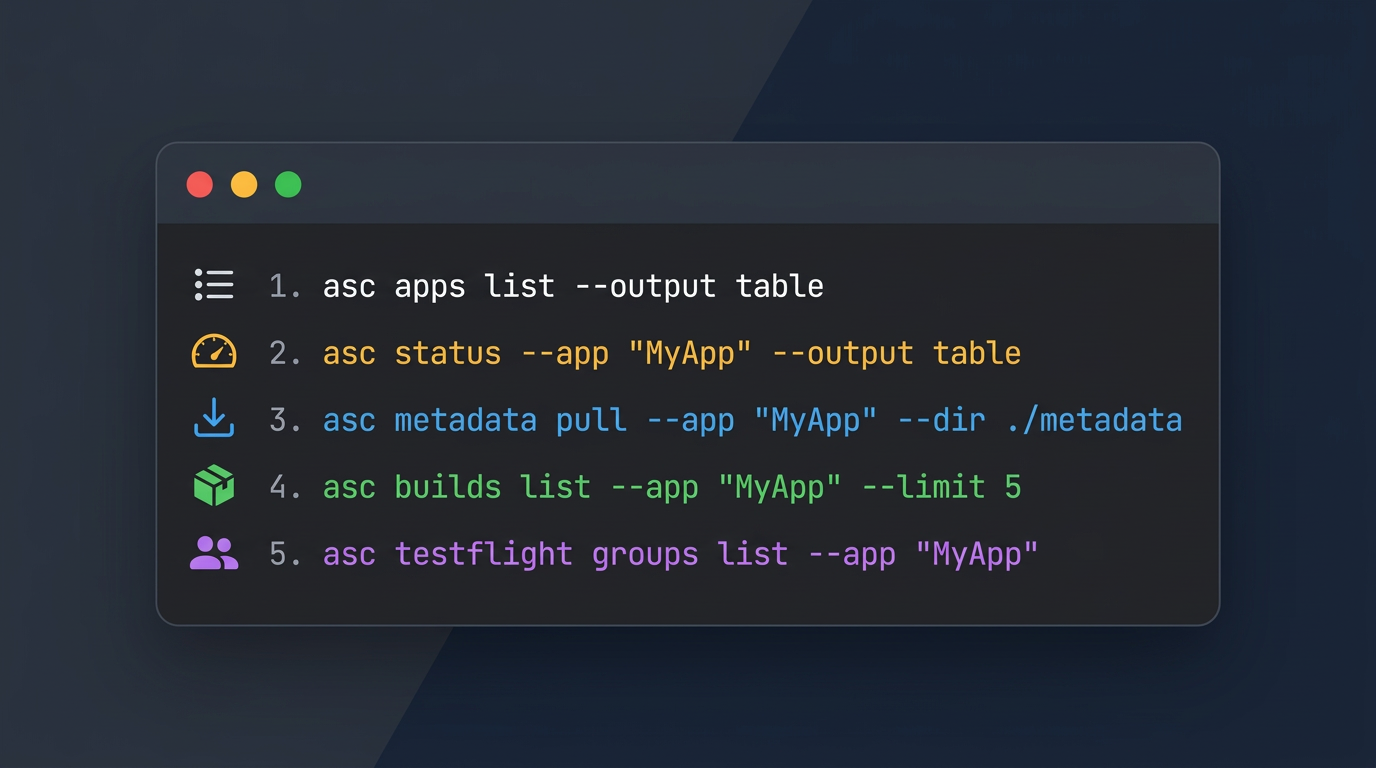
After running asc auth login and storing credentials, I run a handful of read-only commands first to make sure everything is connected and I am looking at the right account. I say that from early experience building this CLI when I would fumble my personal account with client credentials before the multi-account feature was released.
1. List Apps
asc apps list --output table
Most commands need an app ID. This gives me a table of every app on the account with the ID, name, bundle ID, and SKU:
┌────────────┬────────────────────────────────┬─────────────────────────────────────┬──────────────────┐
│     ID     │              Name              │              Bundle ID              │       SKU        │
├────────────┼────────────────────────────────┼─────────────────────────────────────┼──────────────────┤
│ 6747745091 │ Foundation Lab                 │ com.rudrankriyam.foundationlab      │ FoundationLab123 │
│ 1479784361 │ Gradient Match Game: Descent   │ com.rudrankriyam.gradient           │ gradient13534    │
│ 6748252780 │ Zenther: AI Calorie Tracker    │ com.rudrankriyam.zenthus            │ Zenther123       │
└────────────┴────────────────────────────────┴─────────────────────────────────────┴──────────────────┘
If the expected apps show up, I know the credentials are working and pointed at the right team. The ID column is what I pass to --app in everything else.
If the account has a lot of apps, I filter: asc apps list --name "Foundation Lab" --output table.
2. Status Dashboard
asc status --app "Foundation Lab" --output table
This is the one command I wish I had earlier. It aggregates builds, TestFlight state, App Store version, submission status, review state, and phased release into one output:
SUMMARY
┌──────────────┬────────────────────────────────────┐
│    field     │               value                │
├──────────────┼────────────────────────────────────┤
│ health       │ [~] yellow                         │
│ nextAction   │ Wait for App Store review outcome. │
│ blockerCount │ 0                                  │
└──────────────┴────────────────────────────────────┘

BUILDS
┌────────────────────────┬────────────────────────────────────────┐
│         field          │                 value                  │
├────────────────────────┼────────────────────────────────────────┤
│ latest.version         │ 1.0                                    │
│ latest.buildNumber     │ 2026031905                             │
│ latest.processingState │ [+] VALID                              │
│ latest.uploadedDate    │ 2026-03-19T05:08:00-07:00 (7d ago)     │
│ latest.platform        │ IOS                                    │
└────────────────────────┴────────────────────────────────────────┘

TESTFLIGHT
┌──────────────────────────┬─────────────────────────────────────┐
│          field           │                value                │
├──────────────────────────┼─────────────────────────────────────┤
│ betaReviewState          │ [+] APPROVED                        │
│ externalBuildState       │ [-] n/a                             │
│ submittedDate            │ 2026-03-05T04:58:09-08:00 (21d ago) │
└──────────────────────────┴─────────────────────────────────────┘

APP STORE
┌─────────────┬───────────────────────────┐
│    field    │           value           │
├─────────────┼───────────────────────────┤
│ version     │ 1.0                       │
│ state       │ [~] PREPARE_FOR_SUBMISSION │
│ platform    │ IOS                       │
└─────────────┴───────────────────────────┘

REVIEW
┌────────────────────┬──────────────────────┐
│       field        │        value         │
├────────────────────┼──────────────────────┤
│ state              │ [~] READY_FOR_REVIEW │
│ platform           │ IOS                  │
└────────────────────┴──────────────────────┘

PHASED RELEASE
┌────────────────────┬──────────────────┐
│       field        │      value       │
├────────────────────┼──────────────────┤
│ configured         │ [+] true         │
│ progress           │ [----------] 0/7 │
└────────────────────┴──────────────────┘
All of that from one command. The health field is green, yellow, or red. The nextAction tells me what to do next. I do not need to open App Store Connect to know where things stand.
You can pass an app ID, a bundle ID, or even the app name. And --include lets you pick specific sections if you do not want everything:
asc status --app "Meshing" --output table --include appstore
SUMMARY
┌──────────────┬──────────────────────────────────────────────────────────────────┐
│    field     │                              value                               │
├──────────────┼──────────────────────────────────────────────────────────────────┤
│ health       │ [x] red                                                          │
│ nextAction   │ Resolve blocker: App Store version is in blocking state REJECTED │
│ blockerCount │ 1                                                                │
└──────────────┴──────────────────────────────────────────────────────────────────┘

NEEDS ATTENTION
┌───────────────┬─────────────────────────────────────────────────┐
│     item      │                     detail                      │
├───────────────┼─────────────────────────────────────────────────┤
│ [x] blocker_1 │ App Store version is in blocking state REJECTED │
└───────────────┴─────────────────────────────────────────────────┘

APP STORE
┌─────────────┬──────────────────────────────────────┐
│    field    │                value                 │
├─────────────┼──────────────────────────────────────┤
│ version     │ 2.2.1                                │
│ state       │ [x] REJECTED                         │
│ platform    │ IOS                                  │
│ createdDate │ 2026-02-21T01:36:59-08:00 (33d ago)  │
└─────────────┴──────────────────────────────────────┘
That red health with "NEEDS ATTENTION" is the kind of thing you want to see immediately, not after clicking through three tabs!
3. Pull Metadata
asc metadata pull --app "6567933550" --version "2.2.1" --dir "./metadata"
This downloads all the localization metadata into local files. For an app with five locales, the output looks like this:
metadata/
  app-info/
    en-US.json
    ja.json
    ko.json
    zh-Hans.json
    zh-Hant.json
  version/
    2.2.1/
      en-US.json
      ja.json
      ko.json
      zh-Hans.json
      zh-Hant.json
Each file is a plain JSON with the fields for that locale: description, keywords, what's new, support URL, marketing URL. For example, metadata/version/2.2.1/en-US.json:
{
  "description": "Meshing lets you quickly and easily transform...",
  "keywords": "mesh gradient,ai design,wallpaper,iphone wallpaper",
  "supportUrl": "https://x.com/rudrankriyam",
  "whatsNew": "What's New in Meshing 2.2.1\n\n*Meshing AI reliability update*..."
}
I do this early because I want a snapshot of the current state before I change anything. The files go into git, I can diff them, and push changes back later with asc metadata push.
4. Check Recent Builds
asc builds list --app "Foundation Lab" --output table --limit 5
This shows me what has been uploaded recently, whether builds finished processing, and if anything expired:
┌────────────┬─────────┬──────────┬───────────────────────────┬────────────┬─────────┐
│   Build    │ Version │ Platform │         Uploaded          │ Processing │ Expired │
├────────────┼─────────┼──────────┼───────────────────────────┼────────────┼─────────┤
│ 2026031905 │ 1.0     │ IOS      │ 2026-03-19T05:08:00-07:00 │ VALID      │ true    │
│ 2026031904 │ 1.0     │ IOS      │ 2026-03-19T05:03:46-07:00 │ VALID      │ true    │
│ 154        │ 1.0     │ MAC_OS   │ 2026-03-05T04:58:02-08:00 │ VALID      │ false   │
└────────────┴─────────┴──────────┴───────────────────────────┴────────────┴─────────┘
I can filter by version (--version "1.0"), platform (--platform IOS), or processing state (--processing-state "PROCESSING") to narrow things down. If I just uploaded something and want to know if it finished, --processing-state "PROCESSING" becomes the quickest check for me and the agent to know the state.
5. TestFlight Groups
asc testflight groups list --app "APP_ID" --output table
This lists the TestFlight groups for the app, whether they are internal or external, and if a public link is enabled:
┌───────┬──────────┬─────────────────────┬────────────────────────────────────────────┐
│ Name  │ Internal │ Public Link Enabled │                Public Link                 │
├───────┼──────────┼─────────────────────┼────────────────────────────────────────────┤
│ Alpha │ true     │ false               │                                            │
│ Beta  │ false    │ true                │ https://testflight.apple.com/join/JWR9FpP3 │
└───────┴──────────┴─────────────────────┴────────────────────────────────────────────┘
I check this early because it tells me what distribution channels exist for the app. If I need to add a build to a group later, I already know the group names and whether the public link is live.
What's Next
These commands are all read-only and none of them change anything in App Store Connect. But after running them I know which apps are on the account, what state the release is in, what the metadata looks like on disk, what builds have been uploaded, and how TestFlight is set up.
That is enough to start doing some real work!
Happy shipping!